


If you have been on Snapchat for a few years, your Memories are probably the most complete photo diary you own. Holidays, nights out, the dog as a puppy, all of it saved with a tap and then mostly forgotten. The problem is that Snapchat is no longer happy to store all of it for free.
Snap announced in September 2025 that free Memories storage is capped at 5 GB. Anything above that moves into temporary storage for 12 months, after which you either pay for a storage plan or lose what does not fit. If your Memories folder has grown over the years, now is a good time to get a full copy onto your own phone or computer.
Snapchat does let you download your data, but what you get is a ZIP archive full of oddly named files, often split into several parts, with dates and locations tucked away in a separate JSON file. Getting from that archive to a tidy camera roll is where a good Snapchat Memories downloader earns its place. We looked at five options, from polished apps to free scripts.
Our picks at a glance
- MemSafe: best overall, puts every Memory into your camera roll with the original date and location, all on your phone
- MemoriesExport: good desktop option that also burns in your Snap captions and stickers
- Snapchat Memories Downloader (browser tool): best free option if you are comfortable on a laptop
- Snapchat’s own export: free and official, but leaves you with raw files
- Snapchat All Memories Downloader (Python script): for people who live in the terminal
What makes a good Snapchat Memories downloader
Downloading the files is the easy part. What separates the tools is what happens to them afterwards. These are the points we weighed most heavily:
- Original dates. Without them, three years of Snaps land in your gallery as if they were all taken today, which makes the library almost useless.
- Locations. Snapchat stores where many Memories were taken. A good tool writes that back into the file so your photo app can show them on a map.
- Privacy. These are often your most personal photos. We favoured tools that process everything on your own device rather than uploading it to someone else’s server.
- Effort. Unpacking several ZIP files, running commands or keeping a browser tab open for an hour is fine for some people and a dealbreaker for others.
- Cost. A one-off price is easier to justify than another subscription.
1. MemSafe: best Snapchat Memories downloader overall

MemSafe is the tool we would recommend to most people, and it is the only one on this list built entirely around the phone, which is where your Snaps were taken and where you will want to look at them again. You request your data from Snapchat as usual, then hand MemSafe the ZIP file that Snapchat sends you. The app rebuilds every photo and video from that archive and saves it to your camera roll with its original date and location.
That last part is what makes the difference. Instead of a gallery full of files dated today, your Memories slot back into your photo library in the right order, on the right day and, where Snapchat recorded it, in the right place on the map. You do not need a computer, and you do not need to unpack anything yourself.
You can export everything in one go or pick a date range if you only want, say, last summer. MemSafe also keeps a library of its own, sorted by month, with favourites and sharing, plus a daily flashback that shows you what you saved on this day in earlier years. It is a nice touch that turns a one-off backup into something you actually come back to.
Privacy is handled the way it should be. MemSafe works offline, you do not log in to your Snapchat account inside the app, and according to the developer your Memories are not uploaded, analysed or stored on external servers. There is no cap on how many Memories you can import and no premium tier hiding the useful features: you pay once and that is it, with no monthly fee.
What we like: works entirely on your phone, keeps original dates and locations, export by date range, no subscription, no upload of your photos.
What to keep in mind: you still need to request your data from Snapchat first, which takes a little while, and there is no desktop version if you would rather archive everything on a PC.
Available for: iPhone and Android. Visit MemSafe for the App Store and Google Play links.
2. MemoriesExport: best for desktop users
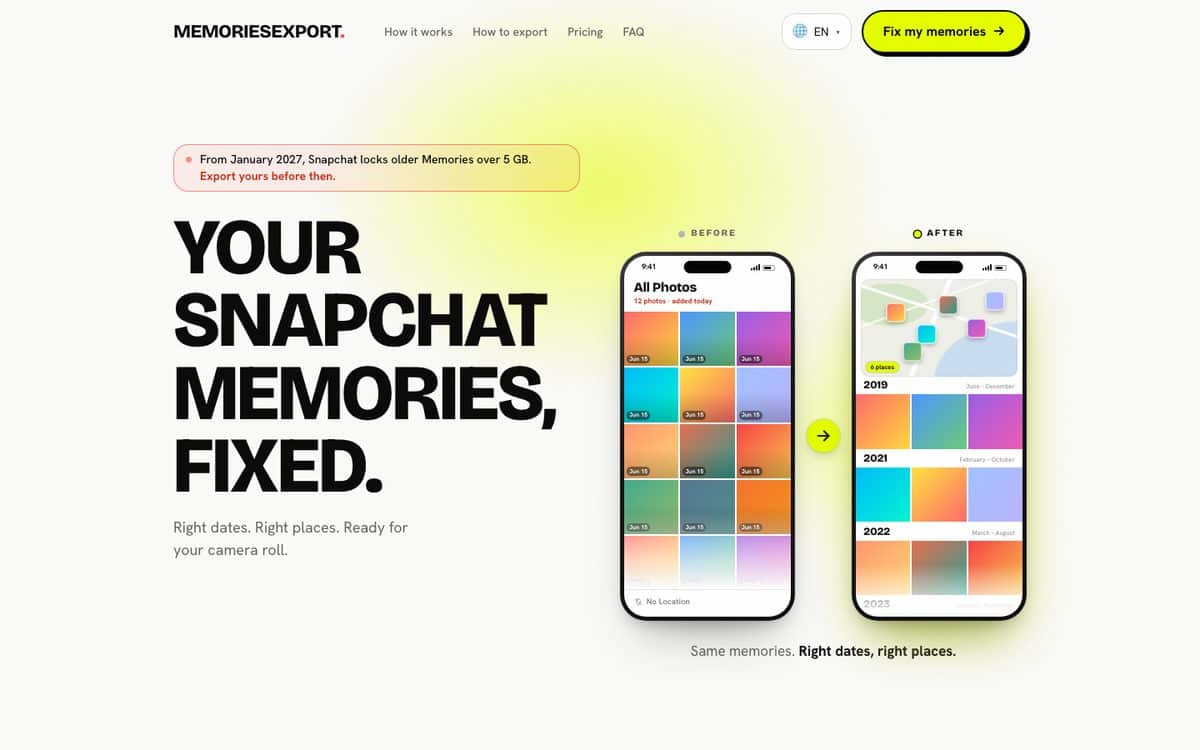
MemoriesExport takes the same Snapchat ZIP and fixes the dates and GPS data so your files sort correctly in any photo library. It comes as a web app and as a desktop app for Mac and Windows, which suits people who keep their photo archive on a computer or a NAS.
Its standout feature is overlays: captions, stickers and drawings you added to a Snap are stored by Snapchat as a separate layer, and MemoriesExport burns them back into the image. Pricing is a one-off $9.99. The thing to be aware of is that the web version uploads your files to process them. They are deleted again after about an hour, but if you would rather nothing leaves your machine, use the desktop app.
Good for: Mac and Windows users who want overlays restored. Less good for: anyone who only has a phone.
3. Snapchat Memories Downloader (browser tool): best free option
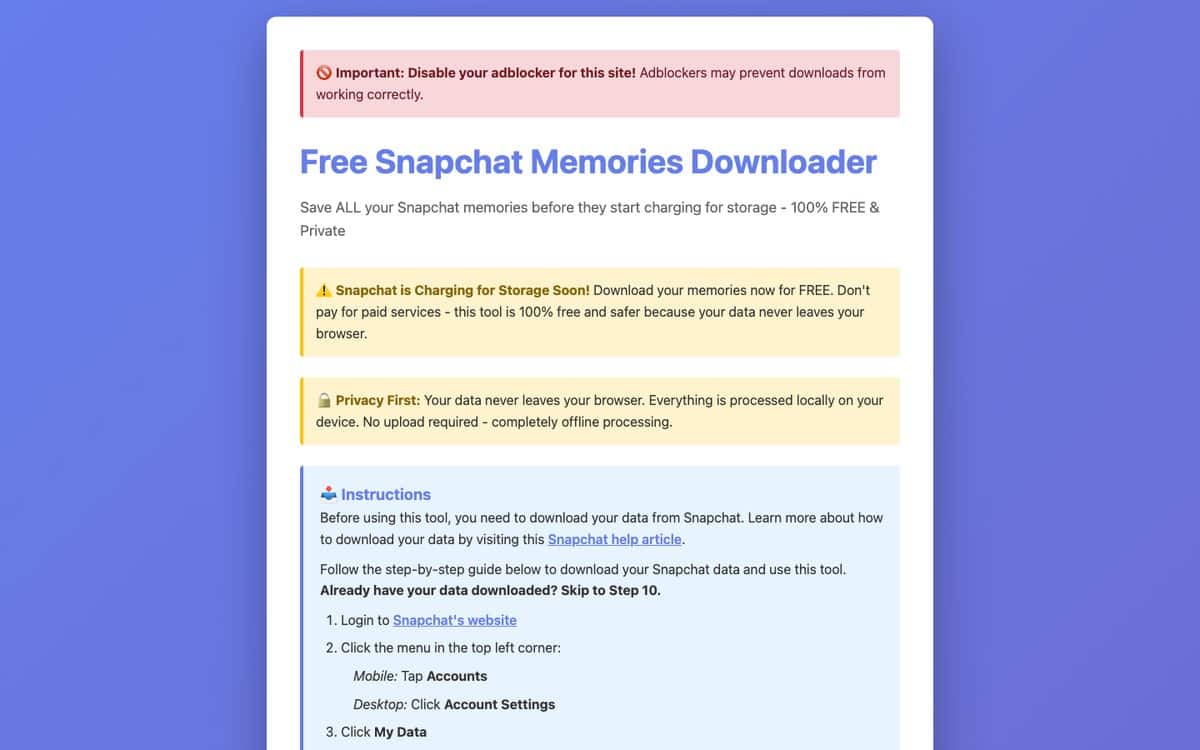
This free, open-source tool runs in your web browser and processes your Snapchat export locally, so nothing is uploaded. It merges overlays back onto your photos and writes the original dates and GPS coordinates into the files, which is impressive for something that costs nothing.
The catch is convenience. Saving straight to a folder only works in Chrome or Edge, the page has to stay open for the whole run, and your computer must not go to sleep while it works through a large library. It is a laptop job rather than a phone job, and you will need to move the finished files to your phone yourself.
Good for: people on a budget with a desktop browser. Less good for: anyone who wants a quick result on their phone.
4. Snapchat’s own export: official, but raw
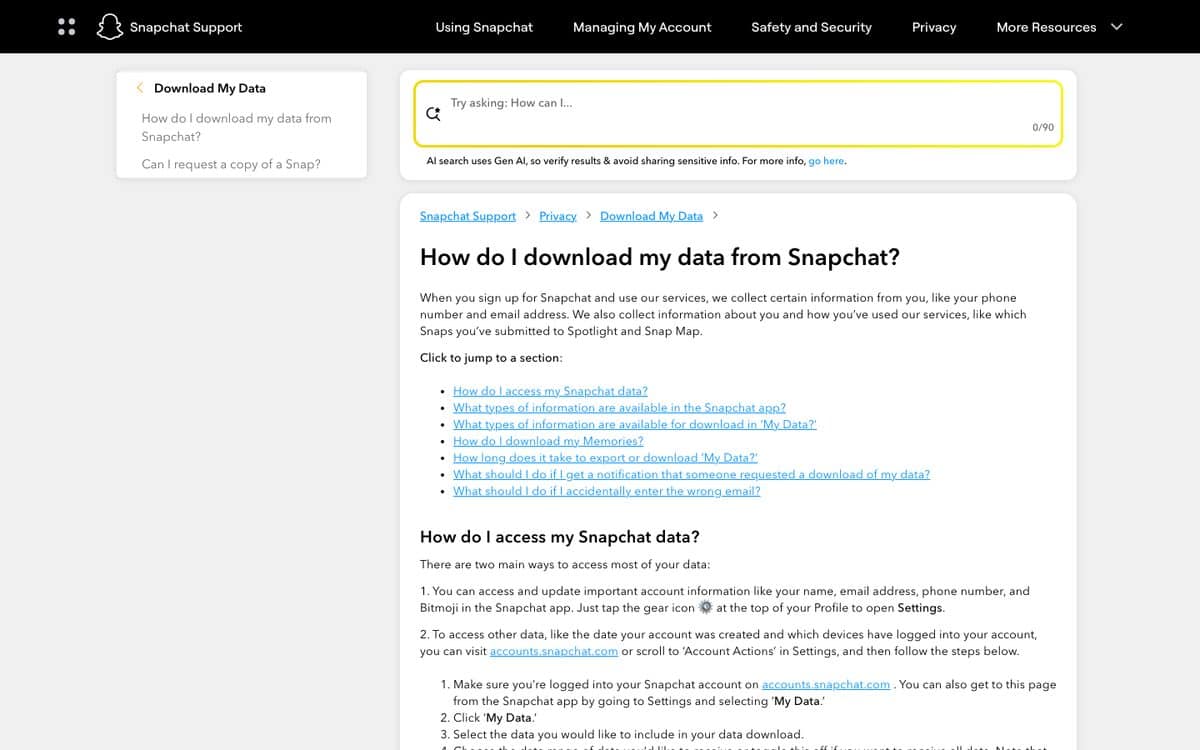
Every tool on this list starts here, so it is worth knowing how it works on its own. In Snapchat, go to Settings, then My Data, or log in at accounts.snapchat.com. Choose to export your Memories, select All Time, confirm your email address and wait for Snapchat to tell you the export is ready. You then download one or more ZIP files from the Exports section.
Inside you will find an index page, a JSON file listing every Memory and the photos and videos themselves. Snaps with captions or stickers come as two separate files, the image and its overlay. You can also save Memories to your camera roll from inside the app, but only in batches of up to 100 at a time, which gets tedious fast with a library of thousands.
Good for: a free raw backup to keep on a hard drive. Less good for: a usable photo library, since dates and locations are not written into the files.
5. Snapchat All Memories Downloader (Python script): for tech fans
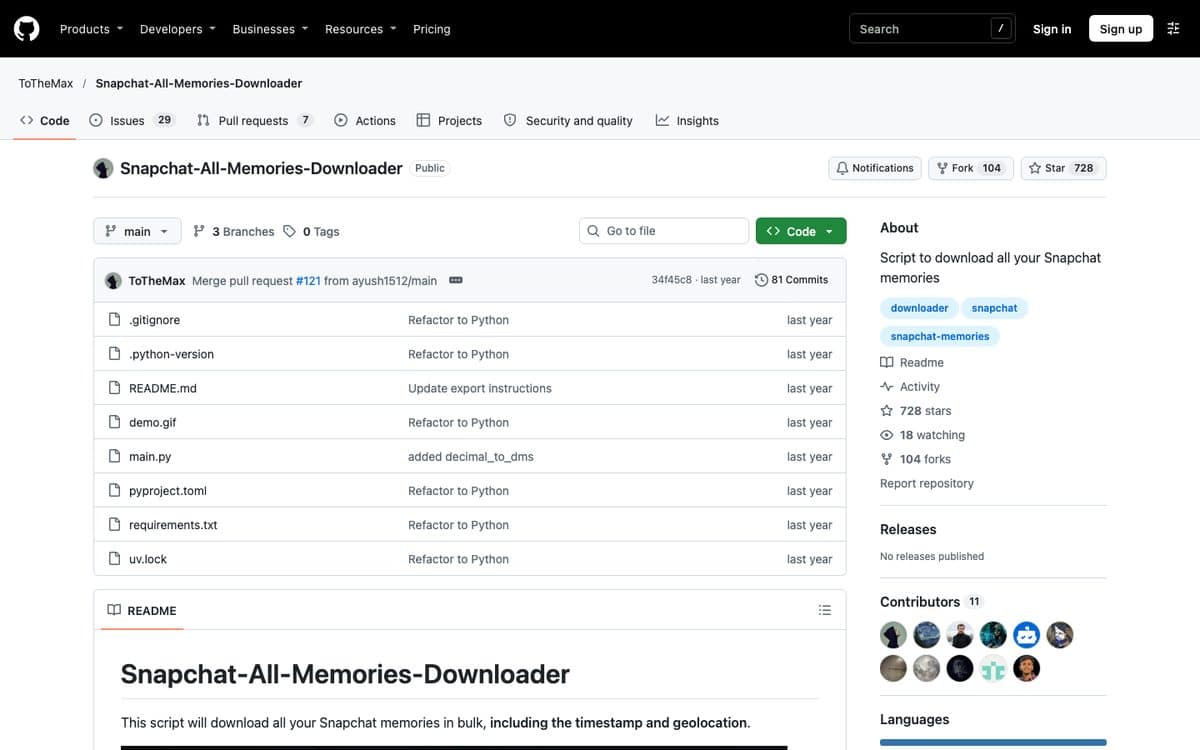
This open-source Python script on GitHub has been around for a while and has a loyal following. You feed it the JSON file from your Snapchat export and it downloads every Memory in bulk, adding the timestamp and location as it goes.
You need to be comfortable installing Python and running commands, and the download links in your Snapchat export expire after a while, so you have to run it fairly soon after the export arrives. For developers it is a solid free choice. For everyone else, the apps above are far less hassle.
Comparison table
| Tool | Platform | Dates and location | Processing | Price |
|---|---|---|---|---|
| MemSafe | iPhone, Android | Yes | On your phone | One-off payment |
| MemoriesExport | Web, Mac, Windows | Yes | Upload (web) or local (desktop) | $9.99 one-off |
| Browser tool | Chrome, Edge | Yes | In your browser | Free |
| Snapchat export | Any | Not in the files | Snapchat | Free |
| Python script | Mac, Windows, Linux | Yes | On your computer | Free |
How to download your Snapchat Memories with MemSafe
- Open Snapchat, go to Settings and then My Data. Choose to export your Memories for All Time and confirm your email address.
- Wait for Snapchat’s email saying your data is ready, then download the ZIP file or files to your phone.
- Install MemSafe and open it.
- Tap Import from Snapchat and select the ZIP file. If Snapchat split your export into several parts, import each one.
- Choose whether to export all Memories or just a date range, and save them to your camera roll.
Once everything is in your camera roll with the right dates, it will also be included in your usual iCloud or Google Photos backup, so your Memories no longer depend on Snapchat at all.
Frequently asked questions
Is Snapchat deleting my Memories?
Not straight away. Snap caps free storage at 5 GB. If you are over that, the extra Memories move to temporary storage for 12 months. To keep them in Snapchat after that, you need a paid storage plan; otherwise downloading them is the safe option.
Can I download all my Snapchat Memories at once?
Yes. Snapchat’s data export covers your entire library, although large libraries arrive as several ZIP files. A tool such as MemSafe then turns those archives into normal photos and videos in one go.
Why do my downloaded Snaps all show today’s date?
Because Snapchat keeps the original dates in a separate file rather than inside each photo. That is exactly what dedicated downloaders fix: they read the date and location and write them back into each file.
Is it safe to use a third-party tool?
It depends on where your files go. Tools that process everything on your own device, like MemSafe, the desktop version of MemoriesExport or the free browser tool, never hand your photos to anyone else. Be wary of services that ask for your Snapchat password.
Verdict
If you want your Snapchat Memories safely on your own phone with as little fuss as possible, MemSafe is the one to get. It keeps the original dates and locations, works offline, never uploads your photos and costs a single payment rather than another subscription. Desktop users who want their captions burnt in should look at MemoriesExport, and anyone happy to tinker can use the free browser tool or the Python script.